App Store
App Store
7天免费试用
暂无评论

Accessibility by Plumpspace
Let every shopper adjust text, contrast and navigation to browse with ease
Accessibility by Plumpspace
7天免费试用
Let every shopper adjust text, contrast and navigation to browse with ease
暂无评论
关于Accessibility by Plumpspace
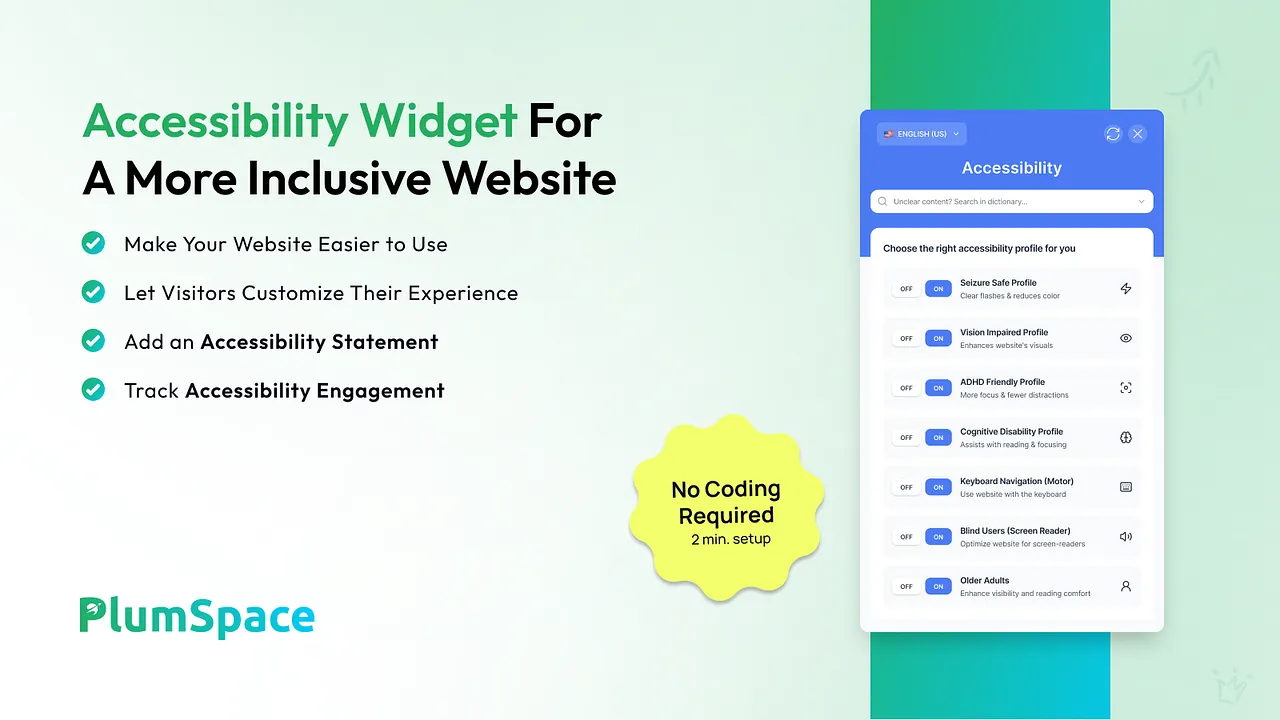
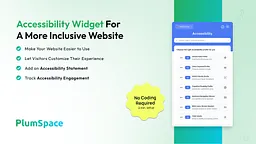
Make your store easier to use for every shopper
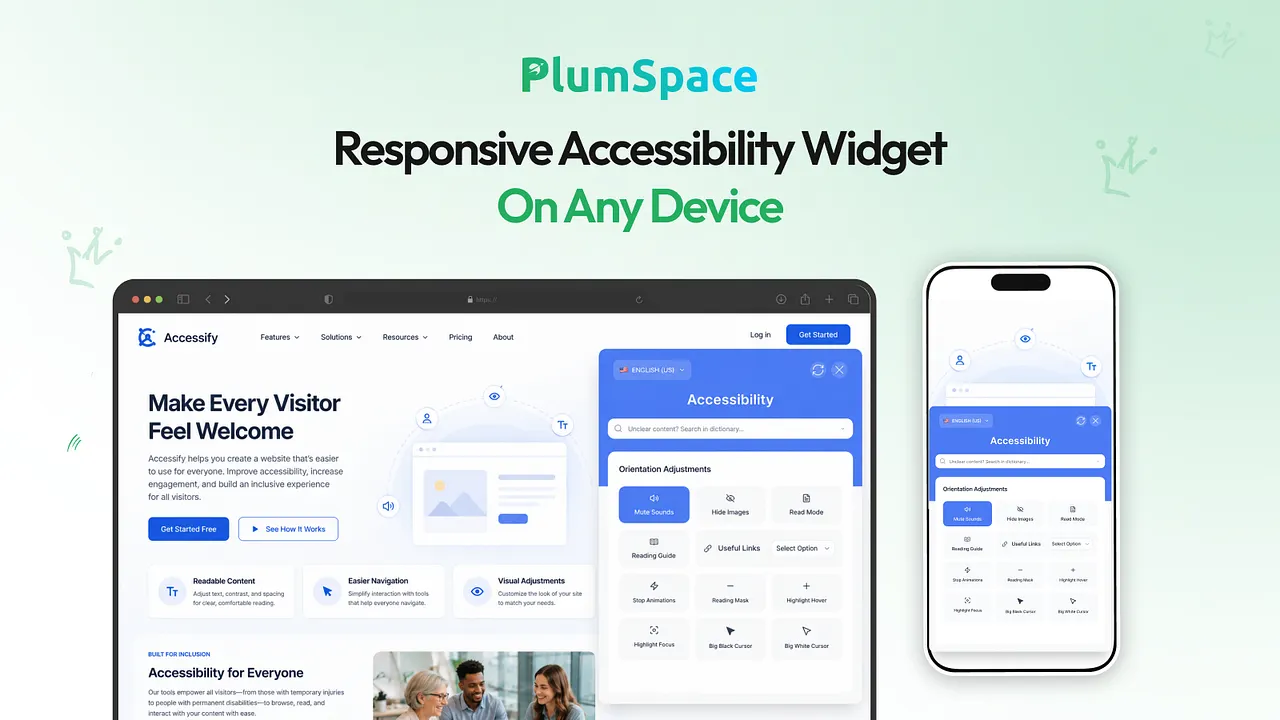
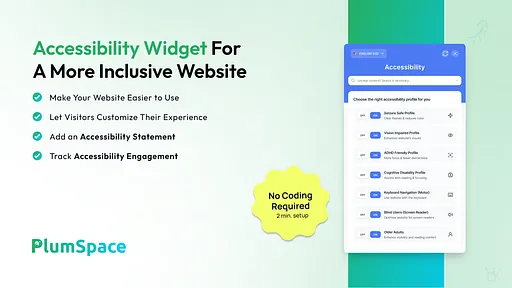
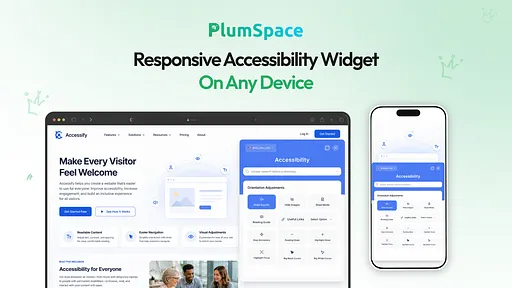
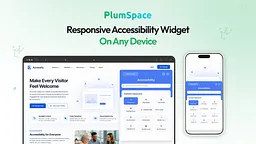
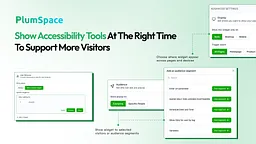
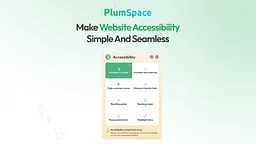
AccessiBear adds an on-page accessibility toolbar to your storefront. Visitors open it with one click and adjust how your store looks and behaves to suit their needs, without leaving the page. Shoppers with low vision, dyslexia, motion sensitivity or attention difficulties can browse products and complete purchases more comfortably.
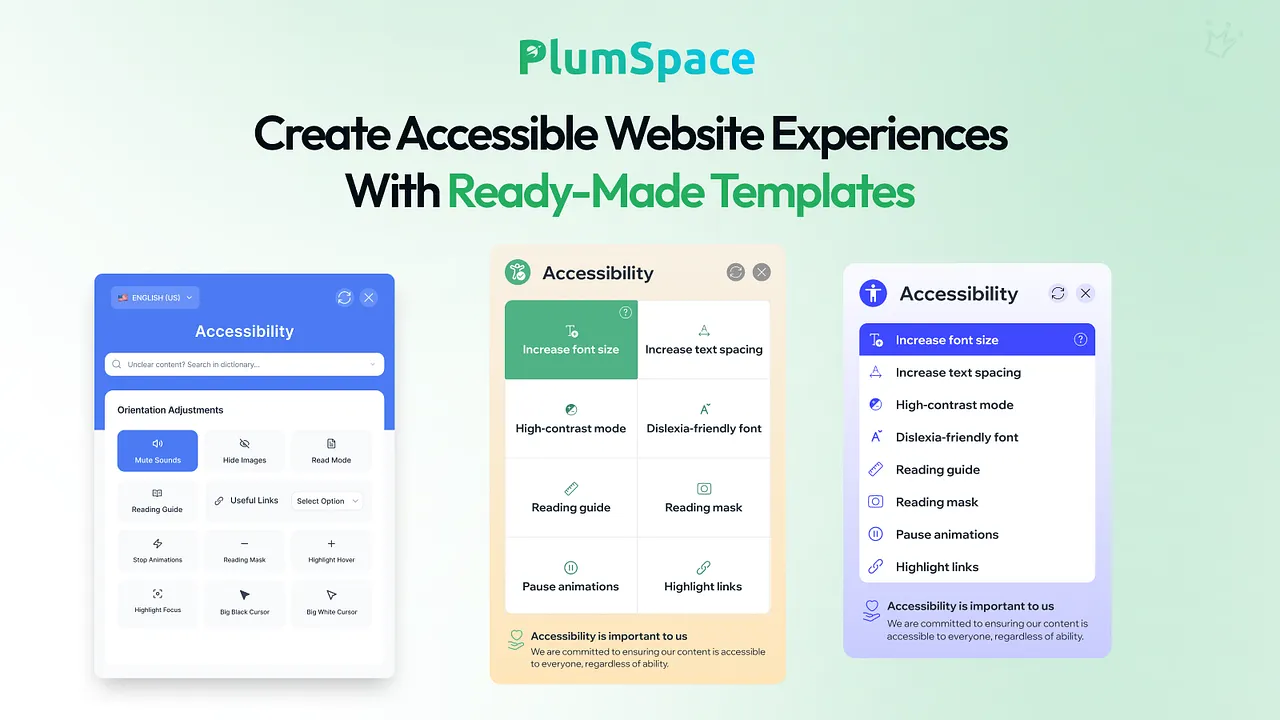
Text and readability
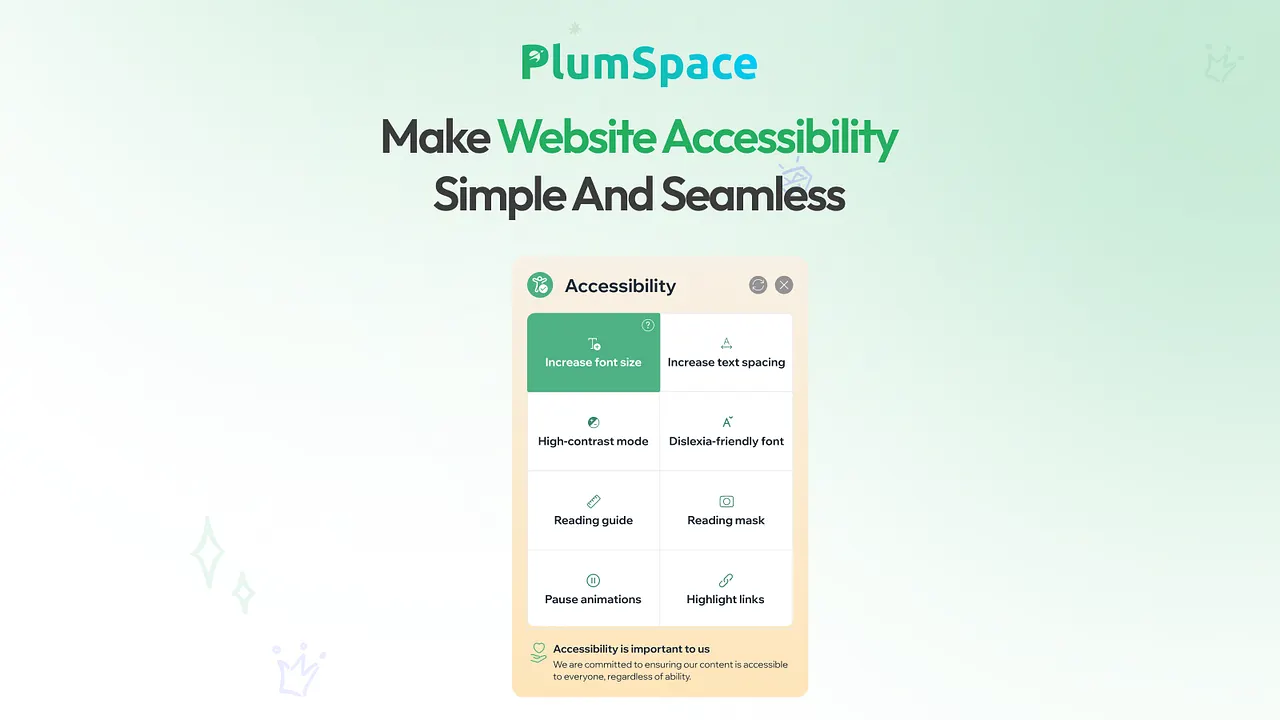
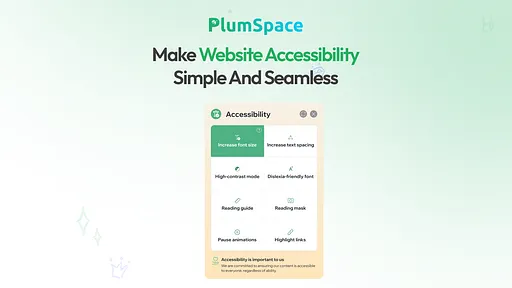
- Increase or decrease font size
- Adjust letter, word and line spacing
- Switch to a dyslexia-friendly font
- Highlight links so they are easy to find
Visual and navigation adjustments
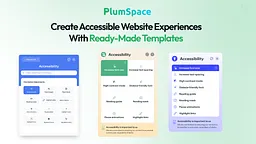
- High-contrast and color adjustment modes
- Reading guide and reading mask to focus on one line at a time
- Pause animations and moving content
- Larger cursor and clearer focus indicators
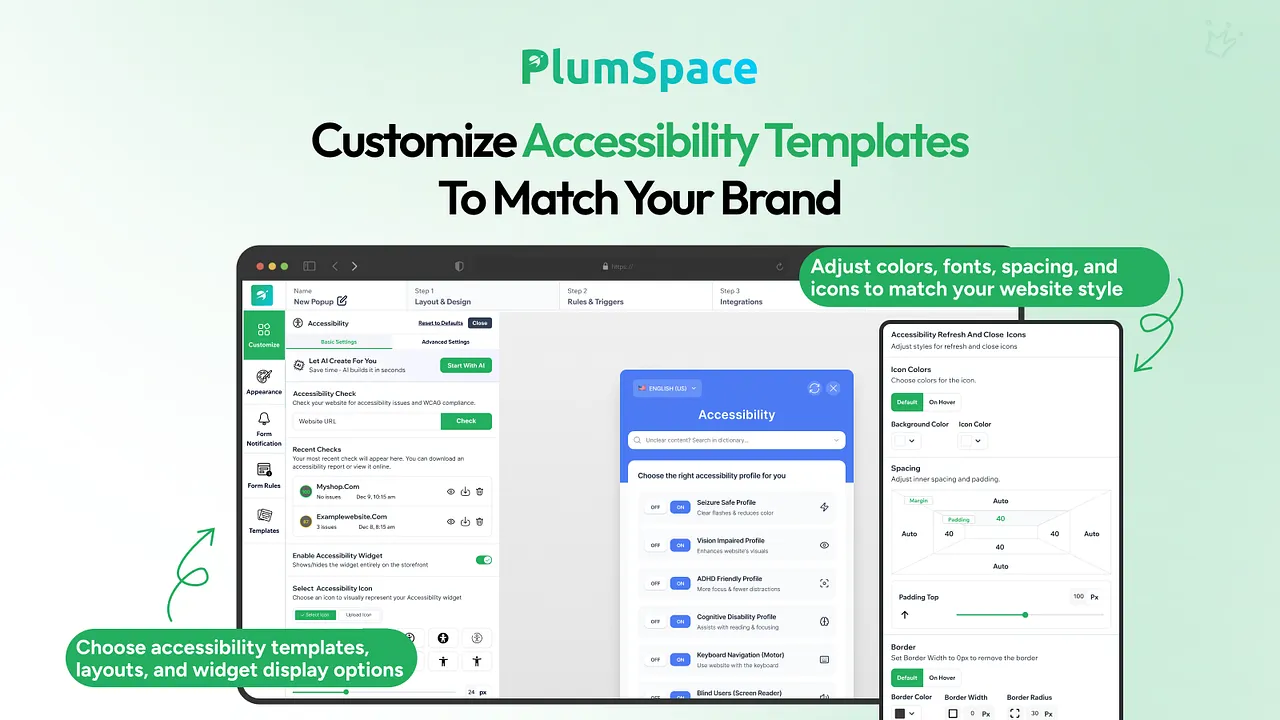
Setup and management
- AI-assisted setup configures the widget for your store automatically
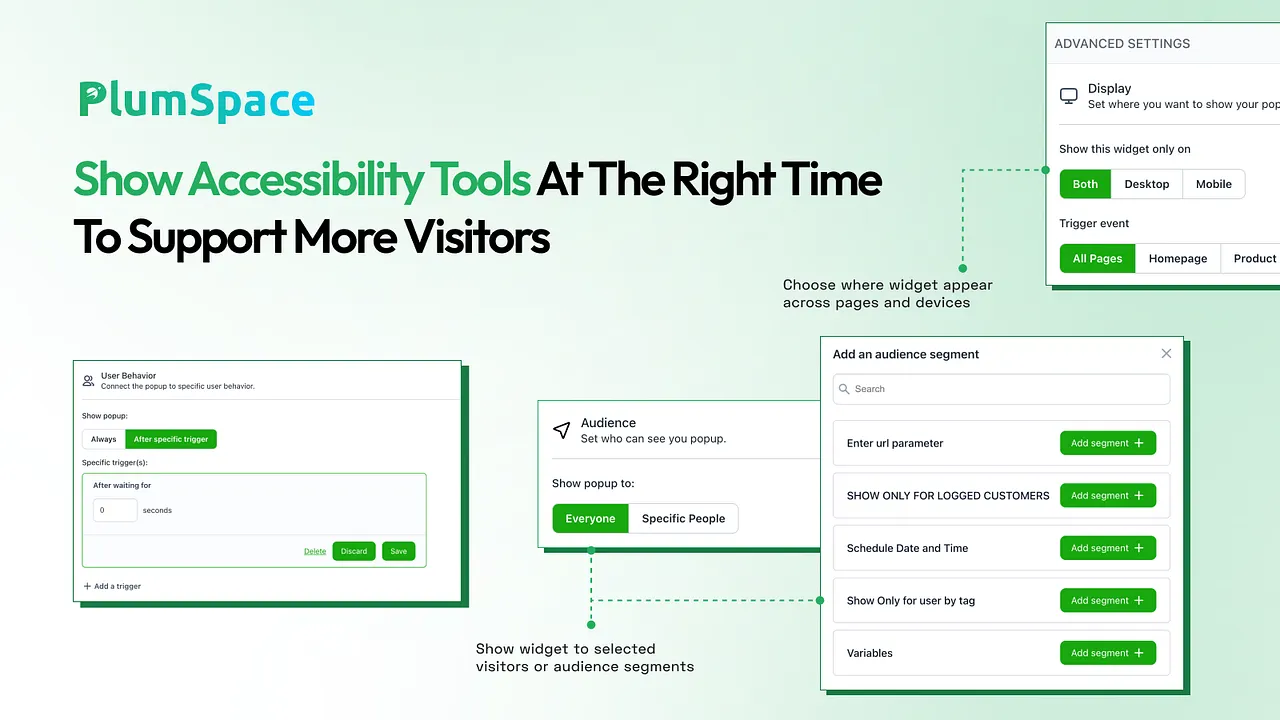
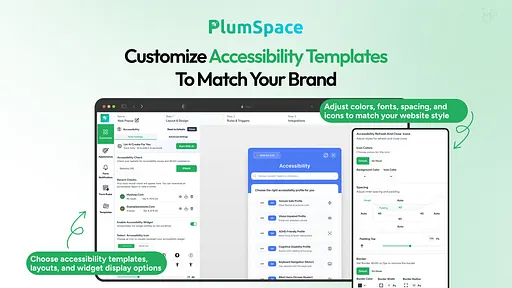
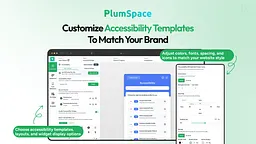
- Customize the toolbar icon, position and colors to match your theme
- Turn the widget on or off at any time from the app dashboard
- No coding or design skills required
Built-in accessibility scan
Run a scan of your store pages to find common accessibility issues based on WCAG guidelines, such as missing image descriptions, low color contrast and unlabeled buttons. Use the results to decide what to improve in your theme and content.
How it works
- Install the app
- Let AI-assisted setup configure the widget, or adjust the settings yourself
- Choose the icon style and position
- Publish, and the toolbar appears on your storefront
价格
Basic
$6.00/ 月
$6.00 up to $24.00 based on widget views.
Up to 10 Shoplazza orders per month
Unlimited widgets
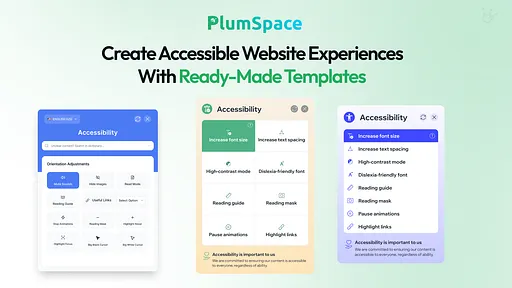
Pre-made Accessibility templates
Fully customizable widgets
No coding
Live chat and support emails
7天免费试用
Pro
$12.00/ 月
$6.00 up to $24.00 based on widget views.
Up to 100 Shoplazza orders per month
Unlimited widgets
Pre-made Accessibility templates
Fully customizable widgets
No coding
Live chat and support emails
7天免费试用
Advanced
$24.00/ 月
$6.00 up to $24.00 based on widget views.
Unlimited orders per month
Unlimited widgets
Pre-made Accessibility templates
Fully customizable widgets
No coding
Live chat and support emails
7天免费试用
所有费用均以USD结算。 定期费用和基于使用情况的费用每 30 天收取一次。查看所有定价选项
用户评价
0.0
目前还没有评论,留下第一条评论吧!